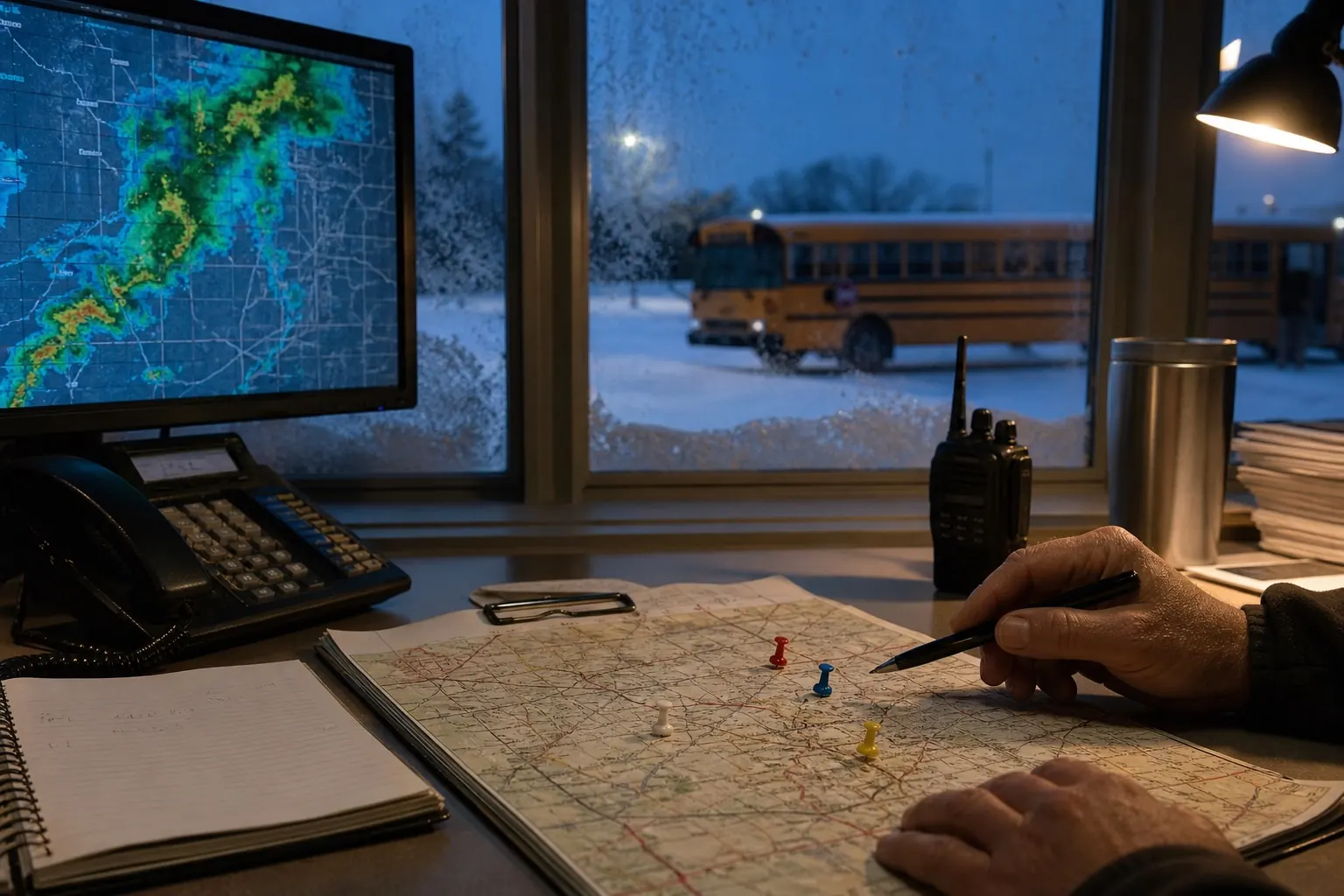
A weather closure no longer always means a day without instruction. Some districts use remote or asynchronous learning, while others preserve traditional snow days or decide case by case.
Three common weather-day models
Traditional closure
Buildings close and no instruction is scheduled. The district may use a calendar allowance or add a make-up day, depending on local rules.
Live remote instruction
Students follow a modified online schedule. This requires devices, connectivity and enough advance notice for families and staff.
Asynchronous learning
Teachers provide work that can be completed on a flexible schedule. It may reduce the need for simultaneous video access, but the district still needs a clear attendance and support policy.
Why policy changes the meaning of “snow day”
The calculator estimates physical closure pressure from weather and broad local settings. It cannot know whether a district will replace in-person classes with remote instruction. That choice belongs in the district calendar, handbook or weather policy.
Even when remote learning is available, severe weather can interrupt power or internet access. Districts may decide that a true closure is more appropriate. This operational context is part of the wider school decision process.
How families can prepare
- Know whether the district uses live, asynchronous or optional work.
- Charge devices and confirm login access before the storm.
- Download essential assignments when outages are possible.
- Ask how attendance works during connectivity problems.
- Keep a non-screen backup plan for younger students.
Add these steps to the snow day preparation checklist, then use the recommended forecast check times to avoid last-minute setup.
Verify the exact status
“School closed,” “buildings closed,” “buses canceled” and “remote learning day” may not mean the same thing. Read the complete official message. A weather alert explains the hazard, while the district explains the schedule; our alert guide helps separate those roles.